
The first time I installed a location tracker app, it had nothing to do with curiosity or convenience. It was 11 p.m., my younger sister hadn’t answered a text in three hours, and I was pacing my kitchen running through every bad scenario my brain could invent. She was fine — her phone had just died at a friend’s place. But that night I decided I never wanted to feel that helpless again, so I set up Life360 for our family group chat the next morning.
That was almost two years ago. Since then I’ve tested half a dozen location tracker apps, made some genuinely embarrassing mistakes, and slowly figured out what actually makes these tools useful instead of just anxiety-inducing. If you’re thinking about setting one up — for your kids, your aging parents, your own peace of mind on a solo trip — here’s what I wish someone had told me first.
Why People Actually Use Location Tracker Apps
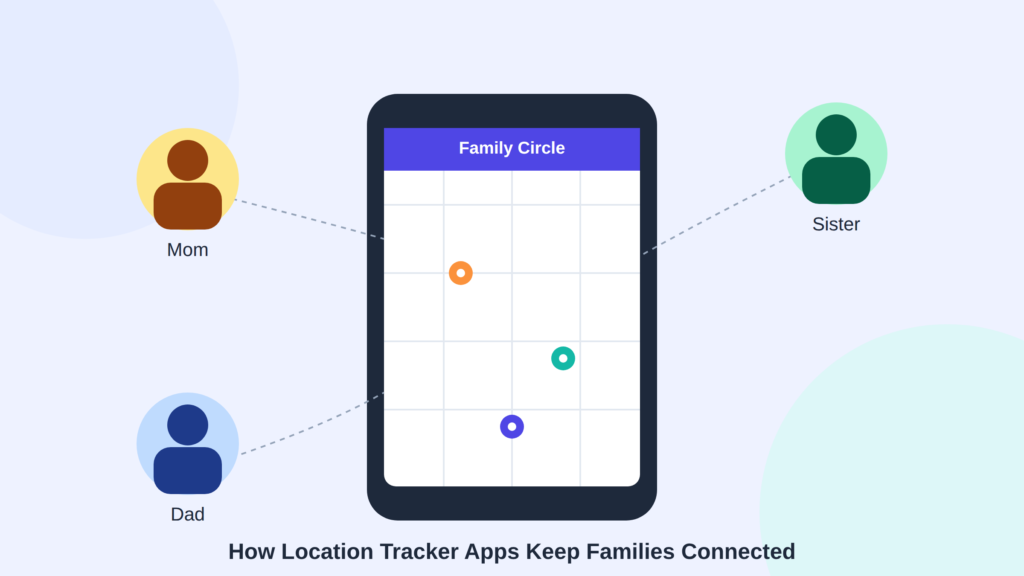
Most people don’t download a tracker because they’re nosy. They download one because of a specific moment: a teenager who’s late getting home, a parent who’s started wandering, a partner who travels alone for work, a phone that went missing on a hiking trail.
In my case it was the late-night scare with my sister. For a coworker of mine, it was her dad’s early dementia diagnosis — she needed to know if he’d left the neighborhood without panicking every time he didn’t pick up the phone. Neither of us cared about constant surveillance. We just wanted a safety net for the moments that actually matter.
The Apps I’ve Actually Used (and What Surprised Me)
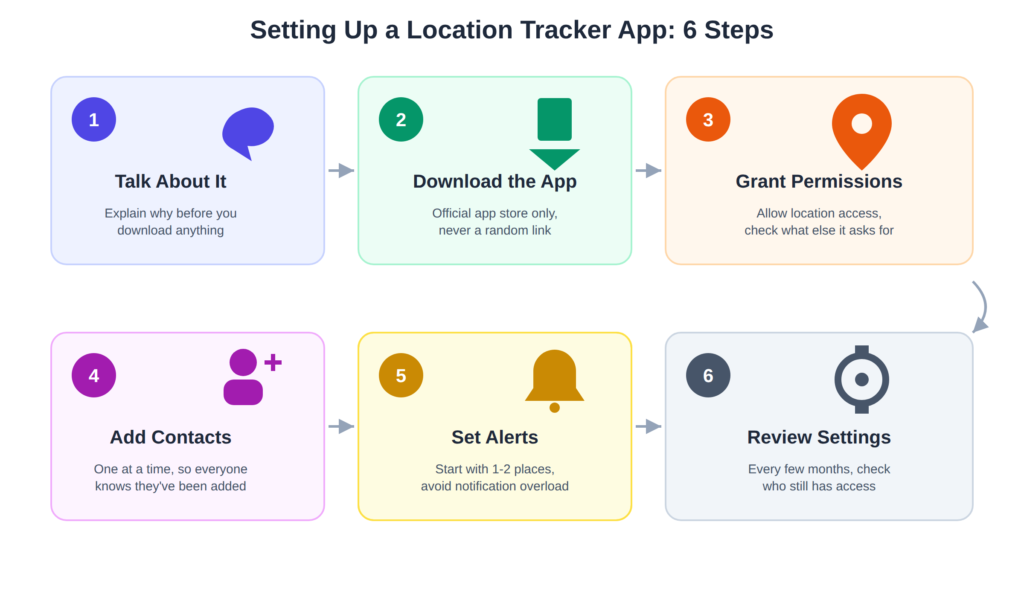
Life360 is the one most families end up on, and it’s the one I still use daily. The free version covers the basics — live location, driving alerts, a simple map of everyone in your “Circle.” What surprised me was the crash detection feature; it picked up on a fender-bender my brother-in-law was in before he even called anyone. The downside? The paid tiers add up fast if you want longer location history or roadside assistance bundled in, so check what you actually need before upgrading.
Find My (Apple) and Find My Device (Google) are the ones I recommend to anyone who just wants something built-in and free. No extra app, no account creation drama — it’s already on your phone. I use this mainly for finding my own devices, not people, since the family-sharing setup is a little clunkier than Life360’s.
Glympse is the one I learned a lesson from. I used it once to share my location with a friend during a road trip, figuring it would just turn off automatically like it promised. It did — but I didn’t realize it had stopped updating an hour before my friend assumed I was still sharing, which led to a confusing “wait, where even are you” phone call. Good for short, one-time shares; not something I’d rely on for ongoing tracking.
Bluetooth trackers (like Tile, which now integrates with Life360) are worth mentioning too, mostly for objects rather than people — keys, bags, wallets. I keep one clipped to my backpack after losing it twice in one summer.
Is It Even Legal to Track Someone?
Generally, yes — as long as the person being tracked knows and has agreed to it. Parents can track minor children. Employers can track company-owned devices if employees are informed. Adults tracking other adults need consent; doing it secretly can cross into stalking territory both legally and ethically, regardless of intentions. If you’re unsure about the rules where you live, the Electronic Frontier Foundation has solid, plain-language explainers on location privacy law that are worth a read before you set anything up.
Setting Up a Location Tracker App the Right Way
Here’s the actual process I’d walk a friend through now, after getting a few things wrong myself the first time around:
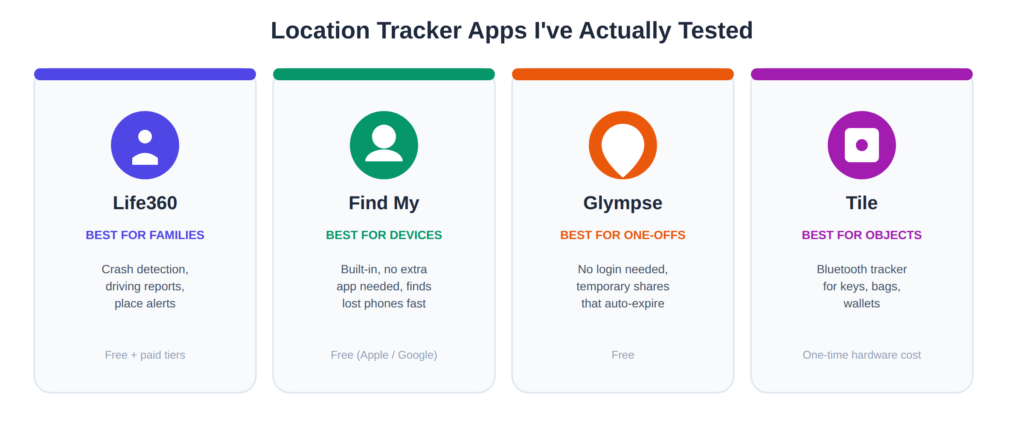
- Talk about it first. Before downloading anything, have the actual conversation — why you want it, who can see what, and that it’s not a punishment or a trust test. This step matters more than the app you pick.
- Download from the official store only. Play Store or App Store — never a third-party link, no matter how official it looks.
- Create the account and grant only the permissions it needs. Most ask for “always allow” location access; that’s normal for these apps, but read what else they’re requesting before tapping accept.
- Add people individually, not in bulk. Build the circle or group slowly so everyone involved actually knows they’ve been added.
- Set up alerts intentionally. Geofences and place alerts are useful, but I made the mistake of setting too many at first and got notification fatigue within a week. Start with one or two key locations — home, school, work.
- Schedule a settings review. Every few months, sit down and check who still has access and why. People’s circumstances change; your tracking setup should too.
Where I Actually Use This Day to Day
My most-used scenario isn’t dramatic at all — it’s knowing when my partner has left the office so I know when to start dinner. The second most common one is the “did you get home okay” check after a late shift, without either of us having to send a text. The third, and the one that justified the whole setup for me, was the night my mother’s phone battery alert popped up at 4% while she was driving home from a late appointment; I called and talked her through finding a gas station before it died completely.
None of that requires constant monitoring. It just requires the app being there when it’s actually needed.
Mistakes People Make With Location Tracker Apps
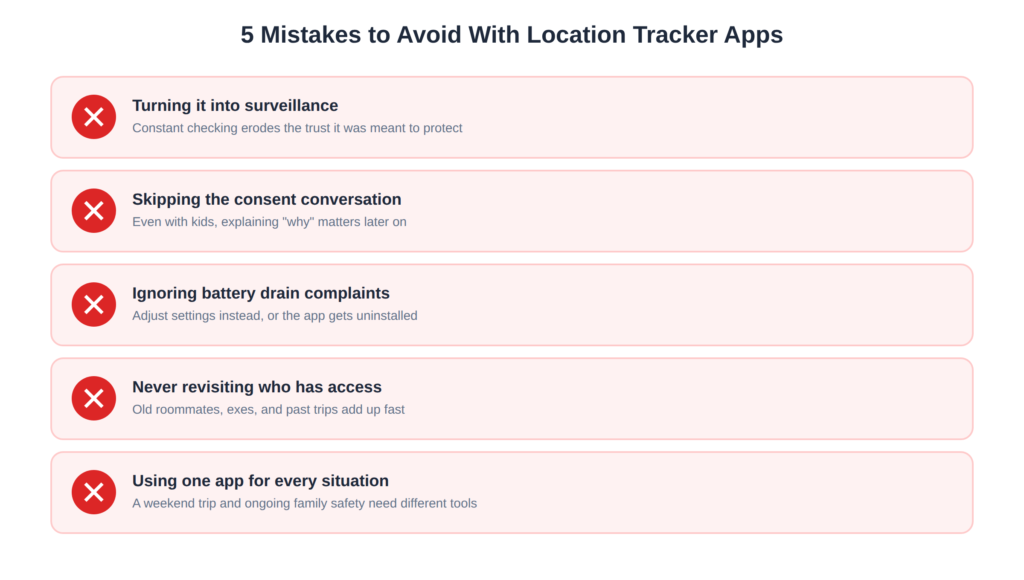
A few things I’d flag, partly because I did some of these myself:
- Turning it into surveillance instead of safety. Checking someone’s location constantly, especially a partner’s, tends to create exactly the kind of distrust the app was supposed to prevent.
- Skipping the consent conversation. Even with kids, explaining the “why” reduces resentment later and avoids it feeling like spying once they’re old enough to notice.
- Ignoring battery drain complaints. Background location tracking does cost battery. Dismissing that complaint instead of adjusting settings is a fast way to get the app uninstalled out of frustration.
- Never revisiting who has access. I once realized, almost a year in, that an old roommate still had visibility into my location from a trip we’d taken together. Harmless in my case, but it’s a habit worth breaking.
- Assuming one app fits every situation. A short weekend trip share and an ongoing family safety setup call for different tools, like Glympse versus Life360.
To download App:
Final Thoughts
Location tracker apps aren’t inherently good or bad — they’re closer to a smoke detector than a security camera. Useful in the moments that matter, easy to ignore the rest of the time, and only worth having if everyone in the house actually agreed to install it. If you go in with that mindset, and you’re honest with the people you’re sharing your location with, these apps tend to earn their place on your phone instead of becoming one more thing to feel weird about.
If you’re just starting out, my advice is boring but true: pick one app, have the conversation first, and adjust the settings as you go. The rest sorts itself out.
For more information, Click here: APKSITE1

Location