I still remember the first time I made money from an image I didn’t technically “draw.” It was a weird feeling — half proud, half like I’d cheated somehow. I’d typed a prompt into Midjourney at 1 AM because I couldn’t sleep, got a moody cyberpunk cityscape on the third try, and uploaded it to a print-on-demand site out of pure curiosity.
Three weeks later, someone in Germany bought it as a canvas print.
$4.60 profit. Not exactly retire-early money. But something clicked — if a total stranger would pay for a random 1 AM prompt experiment, then learning to sell AI generated art online properly could actually turn into something real.
That was almost two years ago. Since then I’ve messed up a lot, made some decent side income, and learned which platforms actually pay versus which ones just look good on paper. This is the guide I wish someone had handed me back then.
Is It Even Legal (and Ethical) to Sell AI Art?
Let’s get this out of the way first because people ask me constantly.
Yes, you can sell AI generated art online — but the rules depend on where you sell and what tool you used. Some marketplaces (Etsy included) require you to disclose that a listing is AI-generated. Others, like certain stock photo sites, straight up ban pure AI uploads unless heavily edited.
My rule of thumb: always check the platform’s AI policy before uploading anything, and never claim a piece is “hand-painted” or “original photography” if it isn’t. That’s not just an ethics thing — it’s how accounts get banned and refunds get demanded.
Step 1: Pick a Tool You Can Actually Get Good At
I bounced between three AI art generators before settling in:
- Midjourney — still my favorite for painterly, dreamy, or fantasy-style pieces. The Discord workflow felt clunky at first, but I got used to it.
- DALL·E 3 (through ChatGPT) — great when I need something specific and don’t want to fight the prompt for twenty tries.
- Leonardo.Ai — this one surprised me. Good for game-art style pieces and it has more generous free credits for beginners.
Here’s the mistake I made early on: I kept switching tools every week trying to find “the best one.” That just meant I never got good at prompting any single tool. Pick one, stick with it for a month, and actually learn its quirks — what words push it toward realism, what breaks the composition, how it handles hands (still rough on most tools, honestly).
Step 2: Figure Out What Format You’re Actually Selling
This is where most beginners get stuck, because “AI art” isn’t one product — it’s like five different products wearing the same trench coat.
Digital downloads. You sell the image file itself — wall art, phone wallpapers, planner covers, coloring pages. Buyer prints or uses it themselves.
Print-on-demand physical products. Your art gets printed on canvases, mugs, t-shirts, phone cases — you never touch inventory.
Stock art licensing. You upload to stock sites and get paid tiny royalties every time someone licenses your image for a blog post, ad, or presentation.
NFTs. Smaller market now than the 2021 hype days, but still active in certain niche communities.
Custom commission work. People pay you to generate something specific for them — portraits, logos, book covers.
I personally do a mix of the first two. Digital downloads have almost zero overhead, and print-on-demand lets me test dozens of designs without spending a cent upfront.
Step 3: Choose Where to Actually List Your Art
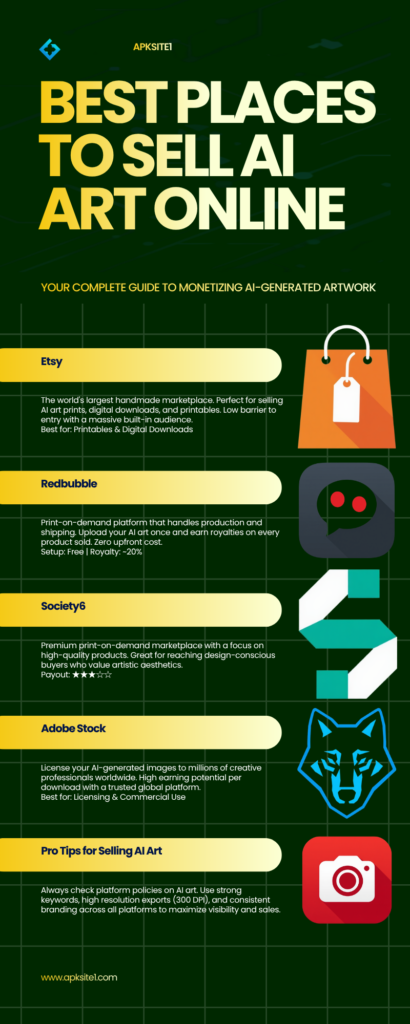
This is the part nobody explains clearly enough, so here’s what I’ve actually used:
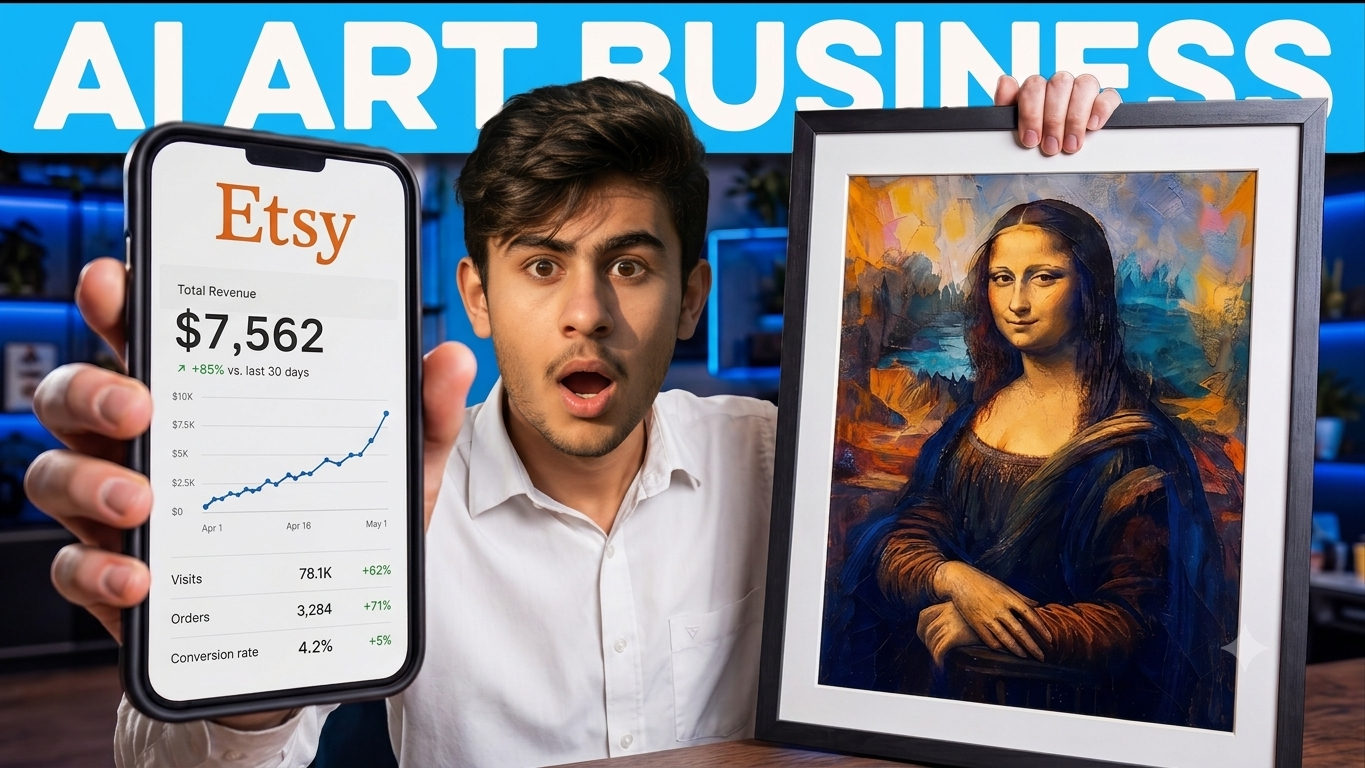
Etsy — my best performer by far, especially for printable wall art and planner designs. You do need to tag AI-generated listings honestly per Etsy’s policy, but buyers on Etsy don’t seem to mind as long as the design is genuinely good.
Redbubble and Society6 — zero setup cost, they handle printing and shipping. Margins are thinner (you’re often making $2–5 per sale), but it’s genuinely passive once uploaded.
Adobe Stock — accepts AI-generated content if properly labeled, and the royalties, while small individually, add up if you upload consistently.
Gumroad — best for selling bundles, like “50 AI backgrounds pack” or a full digital sticker set, where you control pricing entirely.
I’d avoid trying to be on all five at once when you’re starting out. I did that in month two and just burned time managing five different dashboards for barely any extra sales. Pick two platforms max until you know what sells.
Step 4: Actually Make Something People Want to Buy
Here’s the uncomfortable truth — most AI art doesn’t sell, and it’s rarely a “quality” problem. It’s a “nobody was searching for this” problem.
Before I generate anything now, I check what’s already selling. I’ll search Etsy for “boho wall art” or “minimalist line art” and see what’s got hundreds of reviews. Not to copy it — to understand what buyers in that niche actually respond to visually.
Niches that have consistently worked for me:
- Minimalist line-art prints (surprisingly huge demand for these)
- Botanical and moody floral sets
- Retro travel poster styles
- Abstract fluid art for modern living rooms
- Fantasy landscapes for D&D and tabletop gaming fans
Generic “cool robot” or “space scene” images? Oversaturated. I still generate them for fun, but they almost never sell because there are already ten thousand nearly identical versions out there.
Step 5: Clean Up and Upscale Before You Sell
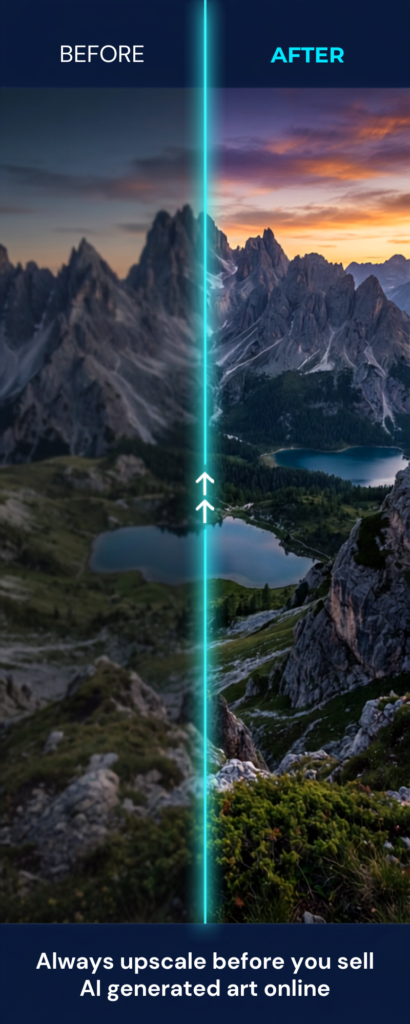
Raw AI output usually isn’t sale-ready straight out of the generator. I run everything through Topaz Gigapixel or the built-in upscaler in Leonardo.Ai before listing anything as a printable, since print quality needs way higher resolution than what most tools output by default.
I also do basic cleanup in Photoshop — fixing weird artifacts, correcting warped hands or text, adjusting color balance. This step alone cut my return requests by more than half.
Step 6: Price It Like a Business, Not a Hobby
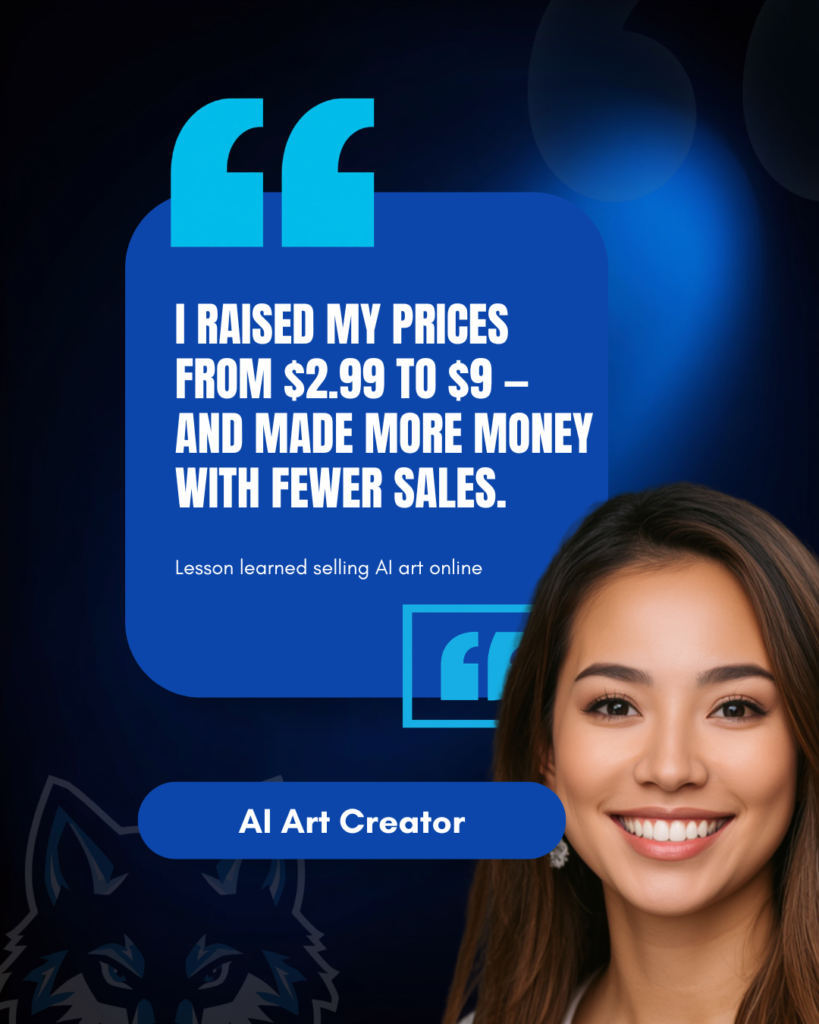
My first listings were priced at $2.99 because I panicked and thought nobody would pay more for “just an AI image.” Big mistake. I was competing on price against people who genuinely didn’t care about margin, and I was making basically nothing per sale after Etsy’s fees.
Once I raised digital download prices to $6–9 and bundled multiple designs together, my actual profit per sale nearly tripled — even though my sales volume dropped slightly. Fewer sales, more money. That trade-off surprised me.
Step 7: Treat It Like Actual Marketing, Not Just Uploading
Uploading and waiting doesn’t really work anymore — the marketplaces are too crowded for that in 2026. What’s actually moved the needle for me:
- Pinterest pins linking back to my Etsy listings (this alone drives most of my traffic)
- Short before/after prompt videos on TikTok showing the generation process
- Seasonal collections timed around holidays, since printable wall art spikes hard around gifting seasons
Common Mistakes I See (and Made Myself)
Uploading without checking platform AI policies first. I had a batch of listings removed on one site because I didn’t read their updated AI disclosure rules.
Ignoring copyright gray areas. Never use a prompt that names a specific living artist’s style by name if you plan to sell commercially — some platforms will flag or remove it, and it’s a legal gray zone regardless.
Skipping upscaling. Blurry, low-res prints get refund requests. Every time.
Chasing trends instead of building a style. Buyers who like your first piece often come back and check your whole shop — but only if there’s a consistent visual identity, not fifty random unrelated styles.
Final Thoughts
Selling AI generated art online isn’t a get-rich-overnight thing, and anyone promising that is lying to you. What it actually is: a legitimate low-overhead side income if you treat it like a small creative business instead of a lottery ticket.
My first month I made under $10. A year in, it’s a consistent — if modest — chunk of monthly side income, built on maybe fifteen minutes a day of generating, cleaning up, and listing new pieces. Not flashy, but real, and it started with one curious 1 AM prompt I almost didn’t bother uploading.
If you’re going to try this, start small, pick one tool and two platforms, and actually look at what’s already selling before you generate your first hundred images. That’s the difference between a hobby folder full of pretty pictures and an actual shop that makes money.
For more information, visit: APKSTE1