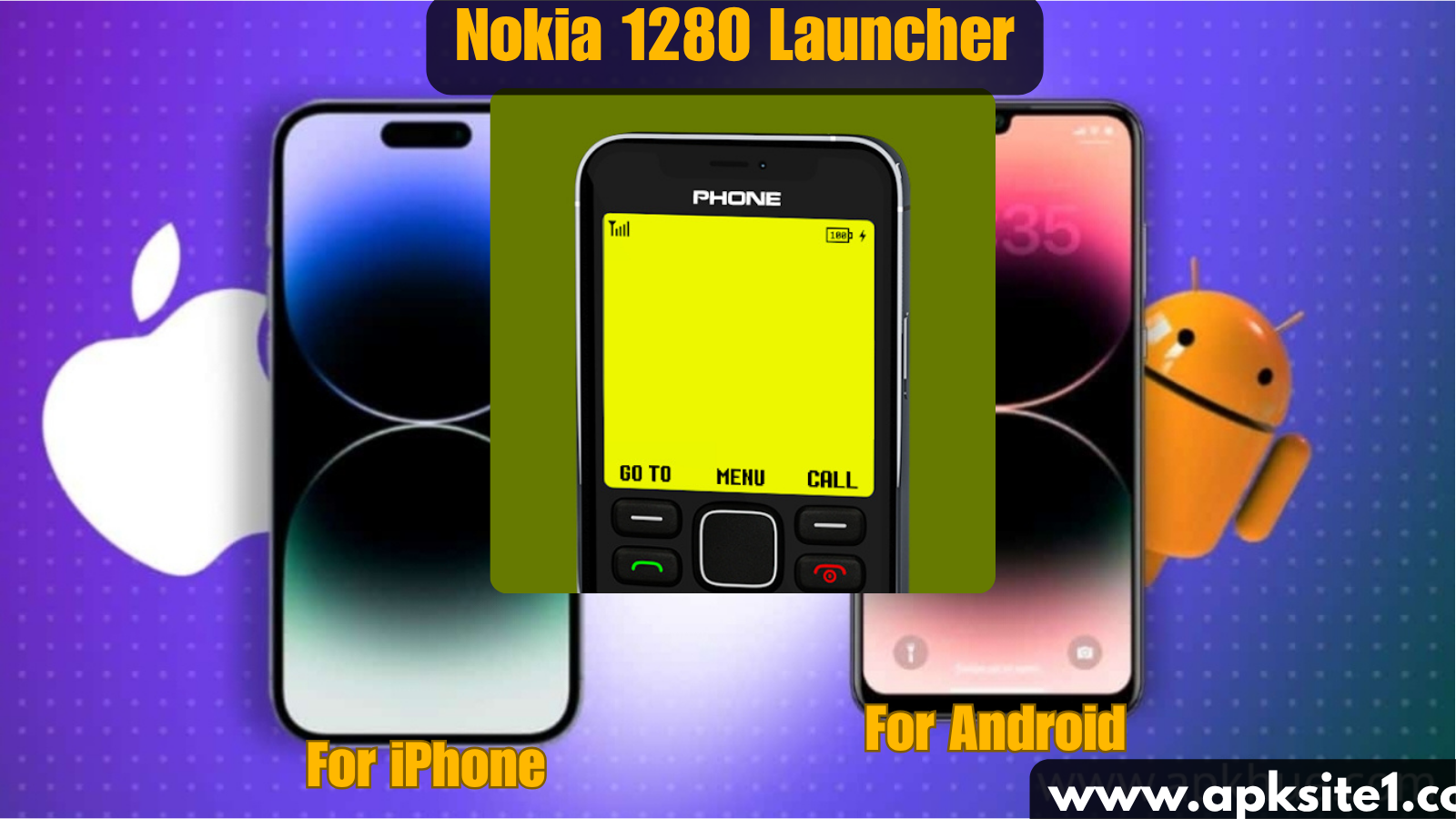
My nephew picked up my phone last month, stared at it for a solid ten seconds, and asked, “Why does your phone look like a calculator from 2007?” That’s the Nokia 1280 launcher for you. I’d installed it three days earlier out of pure curiosity, and it had already changed how I use my phone more than any “productivity app” I’ve downloaded this year.
If you’ve ever typed “Nokia 1280” into the Play Store search bar at 1 AM because you saw a nostalgic TikTok about old Nokia phones, you already know the itch I’m talking about. That brick phone with the flashlight, the battery that lasted a week, and the Snake game everyone pretended not to love — there’s a launcher that brings its exact home screen to your Android device. And I’ve been living with it long enough to tell you whether it’s a fun gimmick or something you’ll actually keep.
What Is the Nokia 1280 Launcher, Really?
Before I get into my experience, let’s clear up what this actually is, because I made a wrong assumption at first too.
The Nokia 1280 launcher is not made by Nokia or HMD Global. It’s a third-party Android launcher app that mimics the interface of the classic Nokia 1280 — the ultra-basic feature phone that sold over 200 million units and was, for a lot of people in South Asia, Africa, and Eastern Europe, their very first mobile phone.
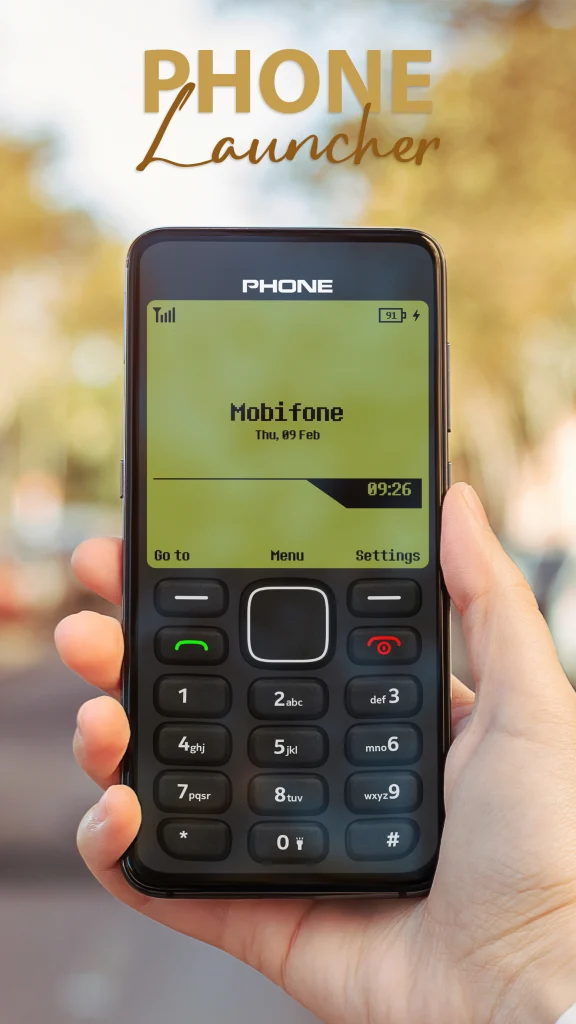
The launcher recreates:
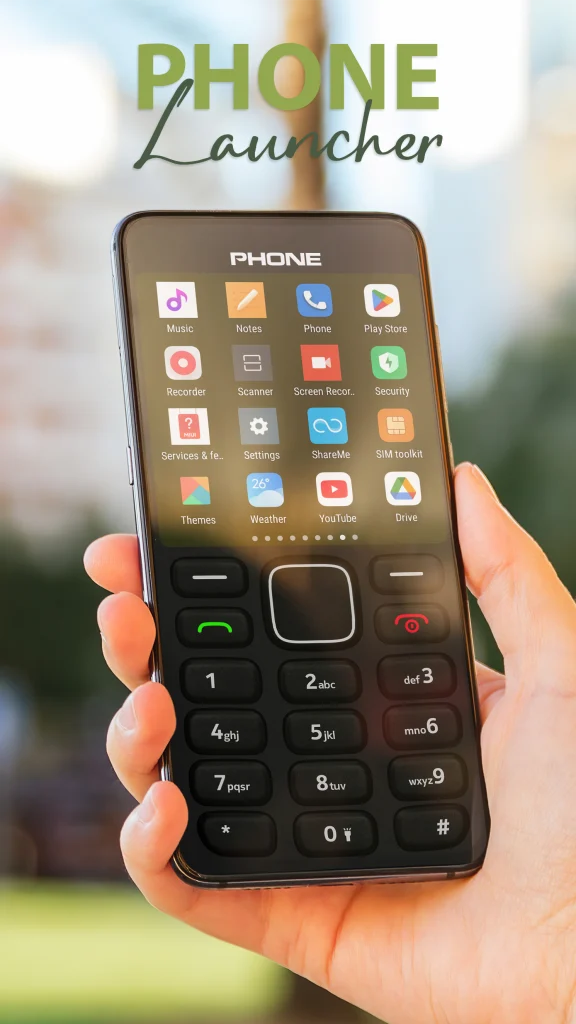
- The old monochrome-style menu grid
- The number-pad navigation feel (even though you’re tapping a touchscreen)
- The classic Nokia startup animation and ringtone
- The old-school text message and call screen look
It’s basically nostalgia wrapped in an APK.
My First Impression (And the Mistake I Made)
I downloaded it expecting a joke app — something I’d screenshot for a laugh and uninstall an hour later. That was my mistake. I didn’t back up my existing home screen layout first, and the launcher immediately asked to be set as default. Fifteen minutes later I was trying to find my banking app hidden three menus deep in a fake “Nokia-style” folder system, mildly panicking before a meeting.
Lesson learned: always keep your original launcher installed alongside it. Don’t uninstall your regular launcher (like Nova Launcher or your phone’s stock one). Just switch between them. On most Android phones, you do this in Settings > Apps > Default Apps > Home App. That one setting saved me from a lot of frustration on day two.
Setting It Up the Right Way (Step-by-Step)
Here’s exactly how I’d do it if I were starting over, based on what actually worked:
- Download from a trusted source first. Search “Nokia Launcher” on the Play Store (Android) or App Store (iPhone) rather than sideloading random APKs from unknown websites — a lot of clone versions are ad-stuffed or outdated.
- Don’t set it as default immediately. Open the app, explore the interface, and get a feel for the menu structure before committing.
- Check where your real apps live. The launcher organizes apps into its own retro-style folders, so spend two minutes locating your essentials (phone, messages, camera, whatever you use daily).
- Customize the sound and animation settings if the app allows it — some versions let you turn off the boot animation and startup jingle, which matters if you’re using this at work.
- Keep your original launcher accessible so you can switch back in one tap if it doesn’t click for you.
- Test it for a few real days, not just an afternoon. The novelty wears off fast, and you need to know if it holds up during actual use — texting, calling, opening apps in a hurry.
What Surprised Me (Good and Bad)
A few things I didn’t expect going in:
The good: Battery anxiety, weirdly, went down. Looking at that old-school interface somehow made me pick up my phone less. I wasn’t doom-scrolling because the launcher doesn’t have a normal app drawer or notification feed layout — it’s clunky by modern standards, and that clunkiness worked in my favor.
It’s also a genuinely great conversation starter. I showed it to three coworkers and two of them immediately asked where to get it.
The annoying: Typing anything with real speed is harder. If you’re used to a modern keyboard and swipe-typing setup, the retro layout doesn’t always play nice with third-party keyboards like Gboard or SwiftKey. I had a couple of messages autocorrect into nonsense because the input field rendered oddly.
Notifications also felt delayed or oddly styled — a text from my mom showed up looking like an old SMS alert, no preview, which meant I missed replying for a few hours because I assumed it was spam.
Common Mistakes People Make With It
- Installing it right before something important (an interview, a big meeting) without testing it first. Do your test run on a slow weekend.
- Assuming it’s an official Nokia product. It isn’t affiliated with HMD Global or the real Nokia brand — it’s a fan-made recreation, so don’t expect official support.
- Forgetting to check permissions. Like any launcher, it needs access to your apps and home screen. Read what it’s asking for before hitting allow, especially on Android where sideloaded versions can ask for more than they need.
- Not customizing the wallpaper/theme options if available — running it completely default can feel more like a screensaver than a usable phone.
Is It Actually Worth Installing?
Honestly? If you grew up with a Nokia phone, or you just want your Android phone to feel different for a week, yes — it’s worth the ten minutes it takes to try. It’s free, it’s harmless if you’re careful about where you download it from, and it genuinely made me use my phone differently, even if only temporarily.
If you rely on your phone for fast typing, quick app switching, or work notifications throughout the day, keep it as a fun side launcher you switch to on weekends rather than your daily driver. That’s what I ended up doing — Nokia mode on Saturdays, normal Android setup the rest of the week.
You can grab it here if you want to try it yourself:
For a bit of background on the real device this is modeled after, the Nokia 1280 on Wikipedia is worth a skim — it puts into perspective just how massive that phone actually was.
If you’re into this kind of retro Android customization, you might also like our guide on customizing your Android lock screen — same nostalgic energy, different part of your phone.
I didn’t expect a launcher app to make me think about how much my relationship with my phone has changed since I was a teenager holding an actual Nokia 1280. But that’s exactly what happened, and honestly, that’s a pretty good reason to give it a shot.
For more information, visit: APKSITE1