
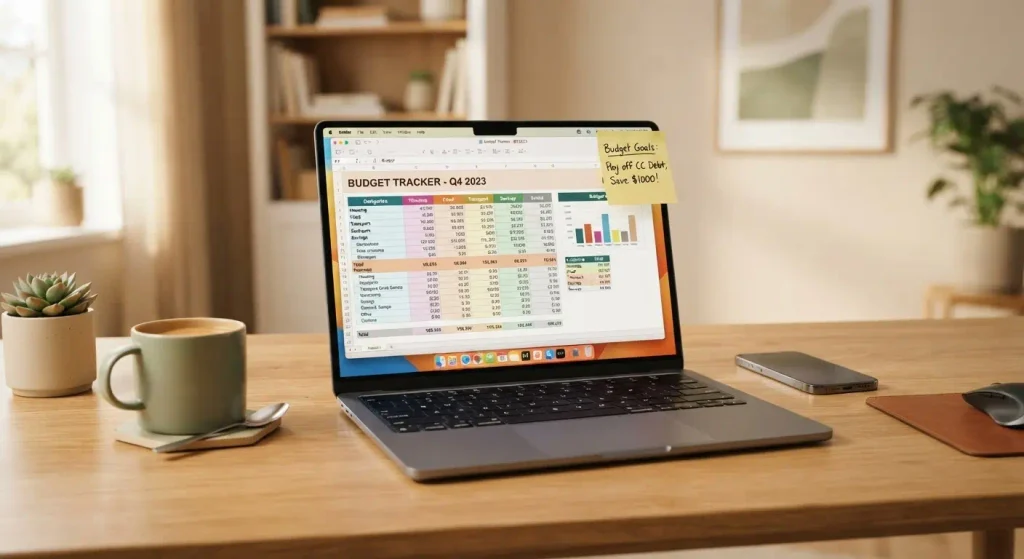
My first “template” wasn’t even supposed to be a product. It was a budget spreadsheet I made for myself because I kept overspending on food delivery. A friend saw it, asked me to send it over, and then asked if I’d sell it to her sister too.
That’s genuinely how I stumbled into this. No big plan, no business degree, just a spreadsheet that solved a problem I actually had.
A few months later, that same messy spreadsheet — cleaned up and turned into a proper Google Sheets template — had brought in a little over $500. Not life-changing money, but enough to convince me this wasn’t a fluke.
If you’ve been curious about how people sell digital templates online and actually make something from it, I want to walk you through what really happened, including the parts that didn’t work.
What Counts as a “Digital Template” Anyway
Before I go further, let’s clear this up because I got confused at first too.
A digital template is basically any reusable file someone else can download and customize for themselves. Think:
- Budgeting or expense tracker spreadsheets
- Resume and cover letter designs
- Instagram post or story templates
- Notion planners (daily, weekly, habit trackers)
- Wedding or event planning printables
- Invoice and contract templates for freelancers
The buyer isn’t paying for the idea. They’re paying for the time you already spent designing something that works, so they don’t have to start from a blank page.
How I Actually Started (Step by Step)
I’m not going to pretend there was some genius strategy here. This is literally the order I did things in.
Step 1: I picked one template I already had
Instead of trying to build a whole “shop” from scratch, I just polished the one thing I already used myself — that budget tracker. This mattered more than I realized at the time, because I already knew what problems it solved.
Step 2: I rebuilt it in Canva and Google Sheets
I used Canva for the visual layout (colors, fonts, little icons) and rebuilt the actual formulas in Google Sheets. Canva’s free plan was honestly enough to get started — I didn’t touch Canva Pro until my third template.
Step 3: I listed it on Etsy first, not my own website
This is the part people skip. Everyone wants their own store from day one, but Etsy already has millions of people searching for templates. I listed my first product there because I wanted buyers before I wanted a “brand.”
Step 4: I priced it way too low
My first version sold for $3. I thought cheap meant more sales. It didn’t — it mostly attracted people who left it unopened. I raised it to $9 a month later and sales barely changed, which taught me people weren’t buying based on price alone, they were buying based on the product photos and description.
Step 5: I wrote the listing like I was explaining it to a friend
Not “premium aesthetic budget template,” but “Stop guessing where your paycheck went. Type in your numbers and this does the math for you.” Simple language sold better than fancy words ever did.
Step 6: I made a short demo video
Just a 20-second screen recording showing the spreadsheet in action. No editing skills needed, I used the free screen recorder built into my laptop. This one change noticeably increased how many people clicked “buy.”
Step 7: I reused the same template for three platforms
Once it was selling on Etsy, I uploaded the exact same file to Gumroad and later to Payhip. Same product, three income streams, almost zero extra work.
Real Numbers: What My First 90 Days Looked Like
I’m sharing this because most posts on this topic are vague about actual results. Here’s roughly what happened:
| Month | Templates Listed | Sales | Approx. Earnings |
|---|---|---|---|
| Month 1 | 1 | 4 | $22 |
| Month 2 | 3 | 19 | $141 |
| Month 3 | 6 | 47 | $358 |
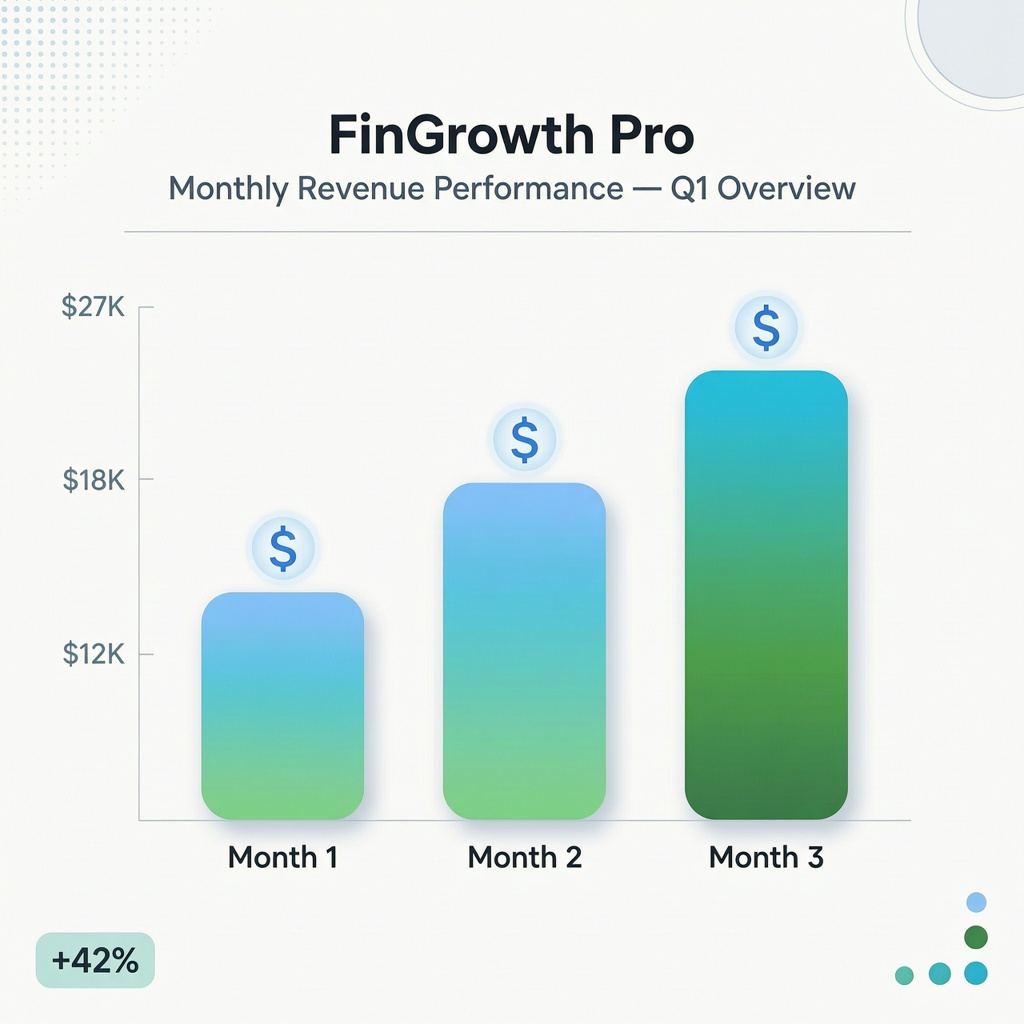
Nothing dramatic. But it was steady enough that I kept adding one new template every couple of weeks instead of treating it as a one-time project.
Mistakes I Made (So You Don’t Have To)
I made everything too complicated at first. My first Notion planner had 14 pages. Buyers wanted something they could use in five minutes, not something that needed a tutorial.
I ignored mobile previews. A good chunk of buyers were checking listings on their phone, and my preview images looked cramped and unreadable on a small screen. Once I redesigned the previews specifically for mobile, my click-through rate improved noticeably.
I didn’t watermark my preview images properly. I had a couple of people screenshot the preview and try to use it without buying. Now I always add a light diagonal watermark across preview mockups.
I forgot about file formats. Not everyone uses Google Sheets. Now I export templates as both Excel and Google Sheets versions, since UK buyers especially seemed to prefer Excel more often than US buyers did.
Tools That Actually Made a Difference
- Canva — for design mockups and the templates themselves
- Google Sheets / Excel — for anything spreadsheet-based
- Etsy — biggest built-in audience for templates and printables
- Gumroad — good for selling directly with less marketplace competition
- Payhip — similar to Gumroad, useful as a backup platform
I didn’t need expensive software, a fancy laptop, or design training. Most of what I know I learned by copying the structure of listings that were already selling well and making my version genuinely better, not just different.
Common Mistakes to Avoid
If you’re about to start, here’s what I’d tell a friend directly:
- Don’t launch ten templates at once. Launch one, see how it performs, then improve.
- Don’t copy someone else’s exact design — customers can tell, and marketplaces can flag it.
- Don’t skip customer reviews. Politely asking happy buyers to leave one made a real difference in how the listing ranked.
- Don’t ignore SEO tags on Etsy. Titles and tags matter almost as much as the product itself.
Frequently Asked Questions
Do I need design skills to sell digital templates online?
Not really. I started with zero design background. Canva’s drag-and-drop editor and free templates as a starting point were enough to get my first product looking professional.
How much can you realistically earn from this side hustle?
It depends entirely on how many templates you list and how well they’re optimized. My first three months brought in around $500 total, but sellers with dozens of listings and better SEO often earn far more.
Is Etsy the best place to sell digital templates online?
It’s a strong starting point because of built-in traffic, but it charges listing and transaction fees. Many sellers eventually add Gumroad or their own site to keep more profit per sale.
Do I need to register a business to sell templates?
This depends on your country and how much you earn, so it’s worth checking your local tax rules once you’re consistently making sales. In the early stages, most people simply track their income and report it correctly at tax time.
What’s the biggest mistake beginners make with digital templates?
Overcomplicating the design. The best-selling templates I’ve seen (and made) solve one clear problem simply, not ten problems at once.
Final Thoughts
I didn’t start this thinking I’d turn it into anything serious. It was a spreadsheet I made to stop stress-eating my paycheck, and it accidentally became proof that people will pay for things that save them time.
If you already have something you built for yourself — a planner, a tracker, a template of any kind — that’s usually the best place to start, not some idea you think will “sell well.” The ones that actually work are the ones you understand because you needed them first.
For more information, visit: APKSITE1