Two years ago I was answering the same customer email for the fourth time in one afternoon, copy-pasting the same reply, changing maybe two words, and thinking to myself: this is not what I signed up for when I started freelancing.
That afternoon is basically why I started digging into how to automate business tasks with AI. Not because I read some fancy report about “the future of work.” Because I was tired, my inbox looked like a crime scene, and I genuinely thought I’d need to hire someone just to keep up with admin work I didn’t even like doing.
Fast forward to now, and a solid chunk of my weekly grunt work runs on autopilot. Not perfectly. Not without a few embarrassing mistakes along the way (one AI tool once sent a half-finished invoice to a client, more on that later). But enough that I got my evenings back, and that’s the part nobody warns you about — how much of “running a business” is just repetitive busywork disguised as productivity.
If you’re a freelancer, small business owner, or even someone running a side hustle alongside a full-time job, this is the same walkthrough I wish someone had handed me back then.
Why I Actually Started Automating in the First Place
I’ll be honest, I didn’t wake up one day excited about AI. I got dragged into it out of pure exhaustion.
Between replying to client emails, scheduling calls, tracking invoices, and posting on social media just to stay visible, I was spending more time managing my business than actually doing the work I got paid for. Sound familiar?
The tipping point was realizing I’d spent almost six hours in one week just rescheduling meetings because of timezone mix-ups. Six hours. That’s when I decided something had to give.
Step 1: Start With the Task You Hate the Most
Everyone tells you to “map your workflow” before automating anything. Cute advice, but honestly overkill when you’re starting out.
Instead, I just made a list of the three tasks I dreaded the most. For me it was:
- Answering repetitive customer emails
- Scheduling calls back and forth
- Writing social captions I never felt good about
Whatever your version of this list is, start there. You’ll get motivated fast because the payoff is immediate.
Step 2: Let AI Handle Your Inbox First (This One Surprised Me)
I started with email because it was eating the most time, and honestly, it’s the easiest place to see results quickly.
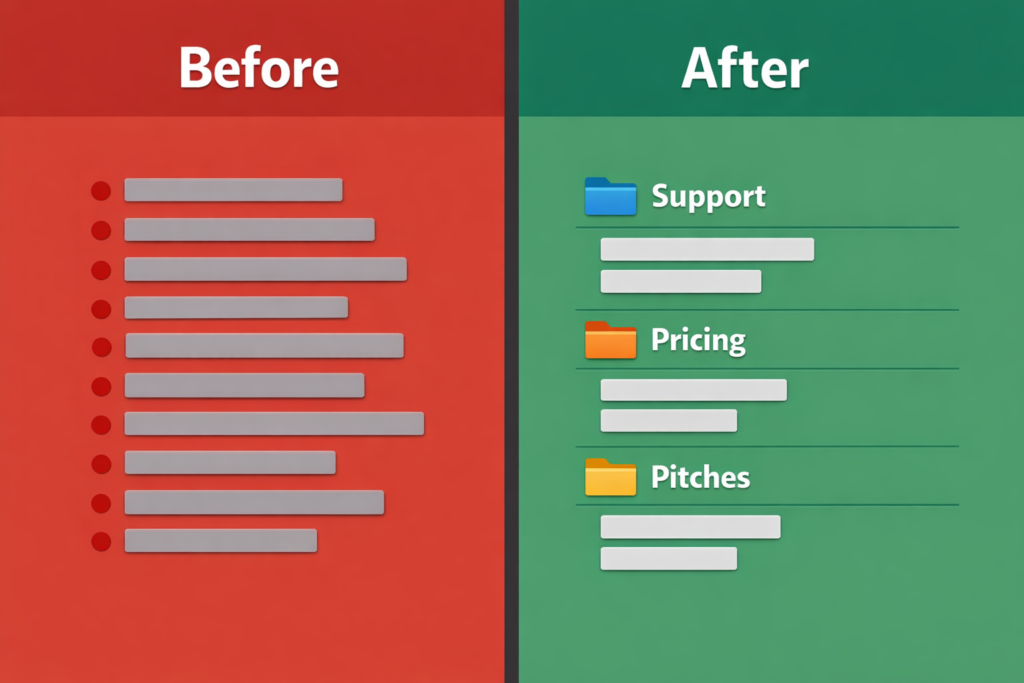
I use a mix of ChatGPT for drafting replies and a Gmail-connected tool to auto-sort incoming messages. Here’s roughly how I set it up:
- Created folder rules for common email types (pricing questions, support requests, collaboration pitches)
- Fed ChatGPT a handful of my past replies so it could match my actual tone, not some generic customer service voice
- Used it to draft replies, which I still skim before sending — I never fully auto-send without a glance
That last point matters. I learned the hard way that letting AI send emails completely unsupervised is asking for trouble. More on my invoice disaster in a second.
Step 3: Automate Scheduling So You Stop Playing Email Tag
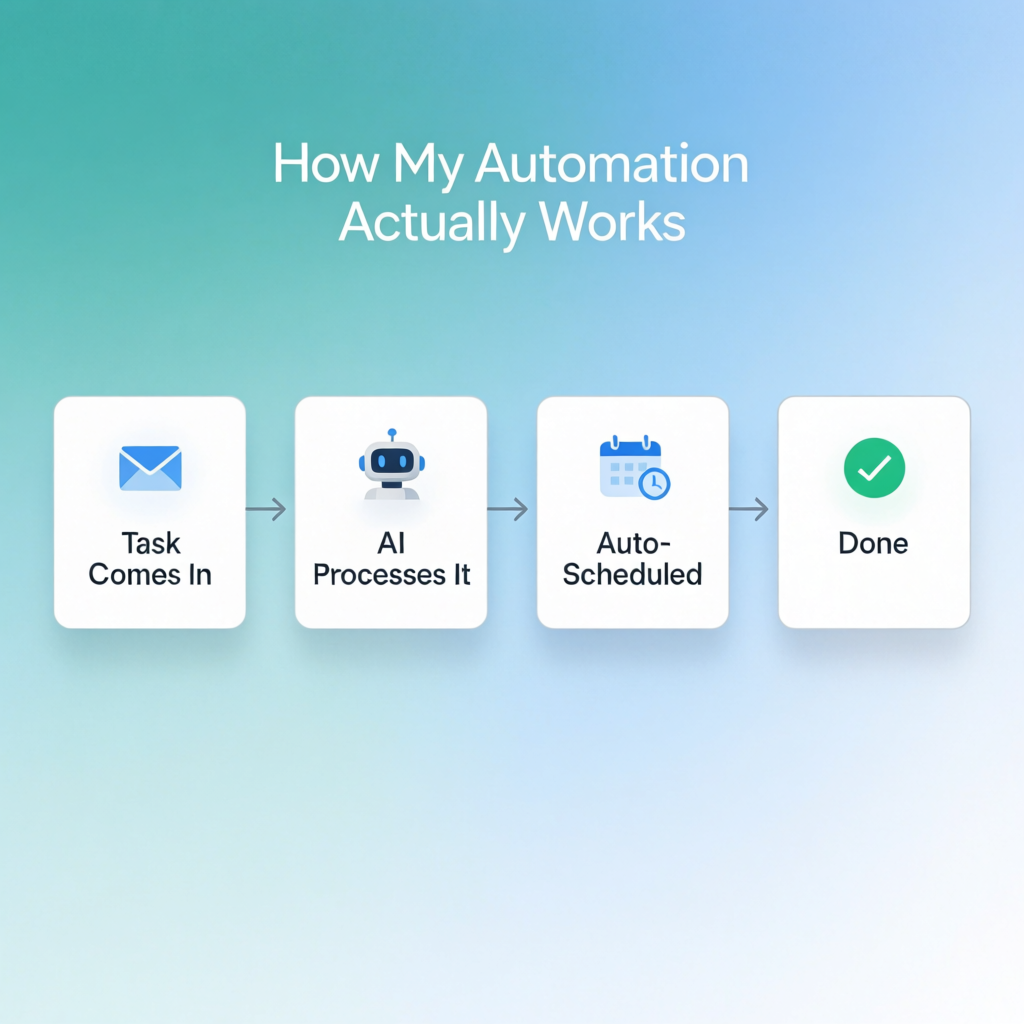
This one felt like magic the first week. I set up Calendly connected with a simple AI assistant that handles rescheduling requests and timezone conversions automatically.
No more “does Tuesday at 3pm work for you? Oh wait, that’s actually 8am my time, let me check again.” That back-and-forth used to eat entire mornings.
If you take away one thing from this article, let it be this step. Scheduling automation alone will give you back hours every single week.
Step 4: Use AI for the First Draft, Never the Final Draft
This applies to content, replies, proposals, basically anything client-facing.
Tools like ChatGPT and Notion AI are genuinely great at getting you 70% of the way there. The remaining 30%, the part that makes it sound like you and not a robot, still needs a human pass. I write my blog outlines this way constantly.
Skipping this step is where a lot of people go wrong, and honestly where I went wrong early on too.
Step 5: Automate the Boring Financial Stuff (Carefully)
Invoicing, expense categorizing, basic bookkeeping reminders — this is where AI tools like QuickBooks’ automation features or Wave genuinely shine.
I connected mine to auto-generate invoices at the end of each project. It worked beautifully for about three months.
Then one week, a template variable didn’t fill in correctly, and a client received an invoice that just said “Amount Due: [insert total]” instead of an actual number. Mortifying. I had to send an apology email and manually fix it.
Lesson learned: automate the drafting, but always double-check anything that touches money before it goes out. No exceptions.
Step 6: Let AI Help With Social Media, But Keep Your Voice
I started using AI to batch-generate social captions and content ideas for the week. Huge time saver. But I noticed something after a month — my posts started sounding a little too polished, a little too “on brand” in a way that felt fake.
So now I use AI purely for the first pass and ideas, then I go back and rough it up a bit. Add a personal note, a joke, something that sounds like an actual human wrote it. Because one did, just with some help.
Step 7: Review Everything Weekly (Don’t Set It and Forget It)
This is the step almost nobody talks about. Automation isn’t a “set it once, walk away forever” thing. I do a fifteen-minute review every Friday to check:
- Did any automated replies sound off?
- Did scheduling actually work correctly?
- Are the AI-generated drafts still matching my tone?
That fifteen minutes has saved me from several small disasters turning into bigger ones.
Real Tools I Actually Use
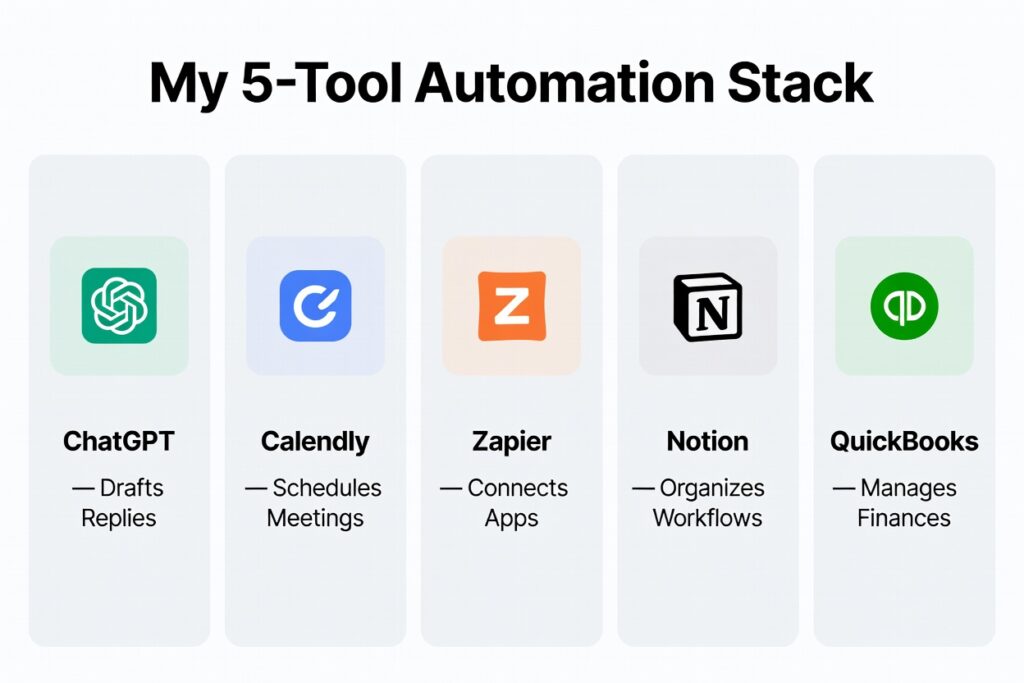
Just to keep this practical and not vague:
- ChatGPT — drafting emails, content outlines, brainstorming
- Calendly — scheduling automation
- Zapier — connecting apps together so tasks trigger automatically
- Notion AI — organizing notes and project tracking
- QuickBooks — invoicing and expense automation
You don’t need all five on day one. Pick one pain point and start there.
Mistakes I’d Avoid If I Started Over
- Don’t automate anything client-facing without reviewing it for the first month
- Don’t skip the “teach it your tone” step, generic AI output is obvious and a bit cringe
- Don’t connect financial tools without testing on a dummy invoice first
- Don’t try to automate everything at once, you’ll burn out trying to manage the automation itself
Common Questions People Ask Me About This
Is it expensive to automate business tasks with AI? Not really, at least not to start. Most of the tools I mentioned have free tiers or plans under $20 a month. I didn’t spend real money until I was already seeing time savings that justified it.
Will AI automation replace the personal touch in my business? Only if you let it. The whole point of automating the boring stuff is so you have more time and energy for the parts that actually need a human, like real conversations with clients.
What should I automate first if I only have time for one thing? Scheduling. Hands down. It’s the fastest win with the least risk.
Do I need technical skills to set this up? Barely any. Most of what I described took me an afternoon of clicking around, not coding. Tools like Zapier and Calendly are built for non-technical people.
Can small businesses realistically compete using AI automation, or is this just for big companies? Honestly, this is where small businesses have an advantage. You can move faster and experiment without layers of approval. I’ve seen solo freelancers automate workflows that took bigger companies months to roll out.
Final Thoughts
I’m not going to pretend automating my business tasks with AI fixed everything overnight, or that I haven’t had a few cringy moments along the way. But looking back at where I started, drowning in repetitive emails and losing entire mornings to scheduling chaos, the difference is real.
If you’re on the fence, just pick one task this week. The one you dread the most. Automate that, see how it feels, then build from there. That’s exactly how I did it, mistakes and all.
For more information, visit: APKSITE1