

Three months ago I was staring at my laptop at 11 PM, trying to figure out how I was going to write a client’s blog post, edit a voiceover for a YouTube short, AND design a Pinterest graphic — all before my day job started at 9 AM. My “budget” for tools that month was exactly zero dollars, because I’d just paid rent and had about $40 left to survive on until payday.
That’s the exact moment I went looking for free AI tools for side hustles, and honestly, I didn’t expect much. I figured “free” would mean watermarked garbage or a 3-day trial that locks you out right when you get the hang of it.
I was wrong. Some of these tools are genuinely good enough that I still use the free versions today, even though I could afford to upgrade.
If you’re trying to build a side income — writing, freelancing, YouTube, reselling, virtual assistant work, whatever — and you don’t want to drop money before you’ve made any, this list is exactly what I wish someone had handed me three months ago.
Why I Even Started Looking at Free AI Tools for Side Hustles
I run a small blog and pick up freelance writing gigs on the side. For a while I was doing everything manually — writing drafts from scratch, editing my own audio clips, designing graphics in an old, clunky version of GIMP because I refused to pay for Photoshop.
It worked, but it ate hours I didn’t have. A single blog post could take me four hours. A 60-second video could take me two.
Then a friend who does affiliate marketing on the side mentioned she uses ChatGPT and Canva to cut her content time in half. I got curious, and that curiosity turned into weeks of testing basically every “free AI tool” I could get my hands on. Some were useless. A few actually changed how I work.
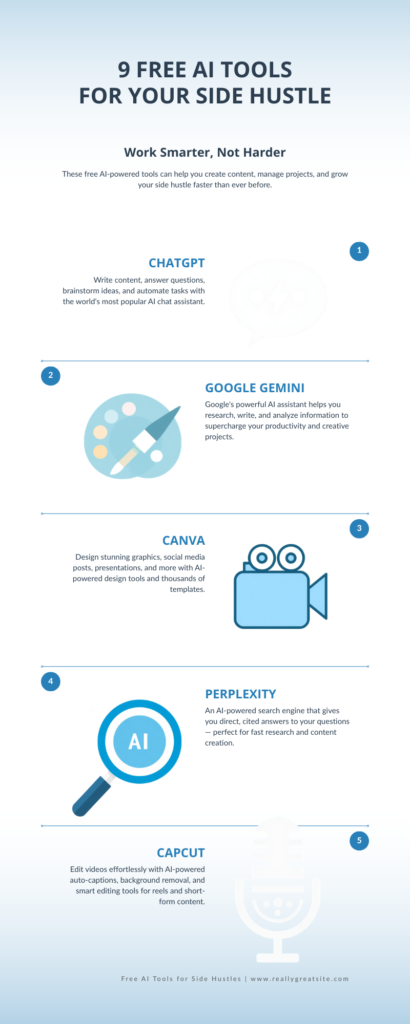
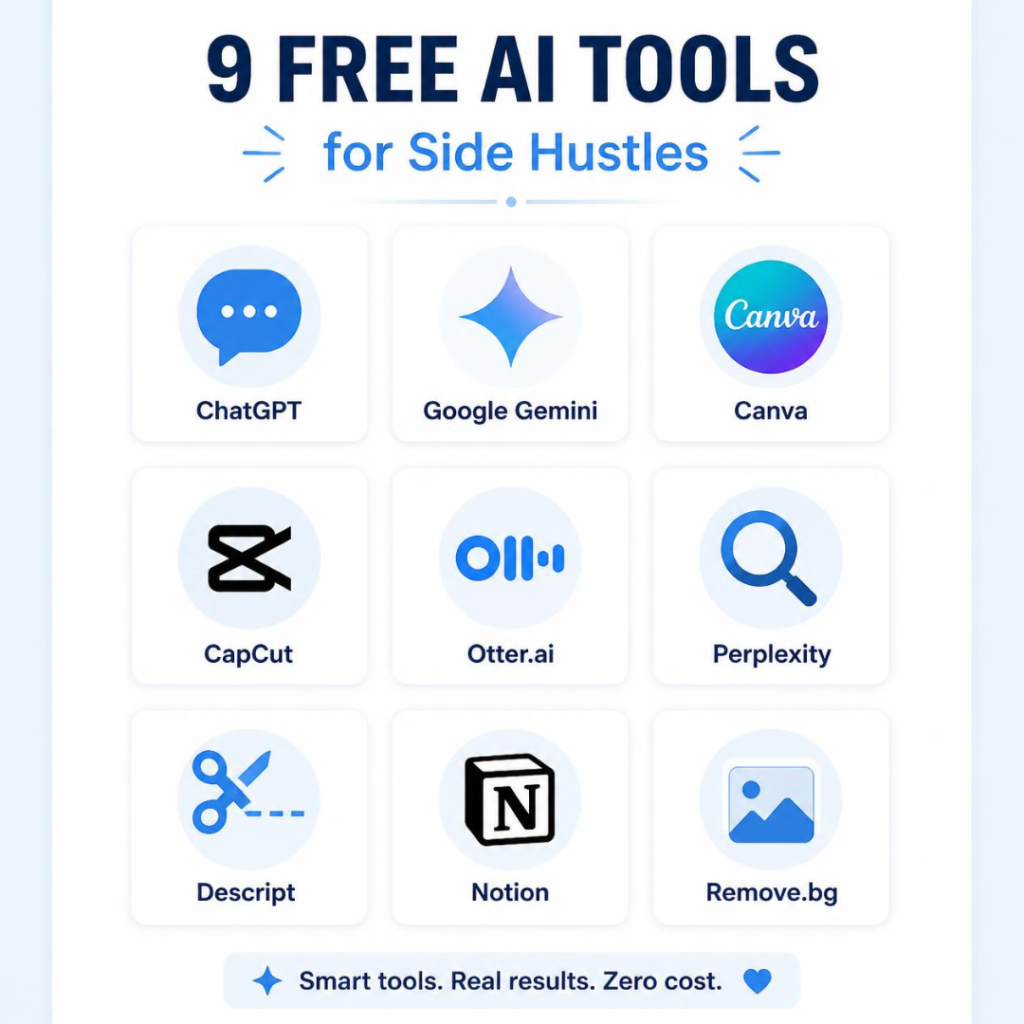
Here’s what actually held up.
1. ChatGPT (Free Plan) — For Writing, Brainstorming, and Client Work
This is the one everyone’s heard of, but most people barely scratch the surface of what the free version can do.
I use it to:
- Outline blog posts before I write them (saves me from staring at a blank page)
- Rewrite clunky sentences in my freelance drafts
- Draft cold pitch emails to potential clients
- Brainstorm 20 headline options in under a minute
Mistake I made early on: I used to copy-paste ChatGPT’s output straight into client work without editing it. Big mistake. It sounds fine on the surface, but clients (and Google) can tell when content has zero personal voice. Now I treat it like a very fast first draft, not a finished product. I still rewrite at least 30-40% of anything it gives me.
2. Google Gemini — Good for Research-Heavy Side Hustles
If your side hustle involves research (resume writing, virtual assistant work, tutoring, content research), Gemini’s free tier is worth having open in a second tab alongside ChatGPT.
I like it specifically for summarizing longer articles or PDFs when I’m researching a topic I know nothing about. When I took on a freelance gig writing about home insurance (a topic I knew zero about), Gemini helped me get up to speed on the basics fast enough that I didn’t sound like I was faking expertise.
3. Canva (Free Plan) — Graphics Without Hiring a Designer
I was skeptical about Canva’s free tier because I assumed the good templates would all be locked behind “Canva Pro.” Some are, but there’s still a huge library of free templates, and the AI-powered “Magic” tools (background remover, text-to-image, resize) are available on the free plan too, with some daily limits.
I use it for:
- Blog post featured images
- Pinterest graphics
- Simple YouTube thumbnails
- Social media post templates
Real example: For my Android tips content, I make thumbnails in Canva that take me under 10 minutes each now. When I started, the same thumbnail took almost an hour in GIMP.
4. CapCut — Free Video Editing That Doesn’t Feel Beginner-Level
If any part of your side hustle touches video — YouTube Shorts, TikTok, Reels, or even just a talking-head explainer — CapCut’s free version is genuinely solid. It has AI captions, background noise removal, and simple AI-based clip suggestions.
I started using it after getting frustrated with a “free” desktop editor that crashed constantly. CapCut on mobile actually let me edit and post from my phone during a lunch break, which sounds small but completely changed how consistent I could be with posting.
5. Otter.ai — For Transcription and Content Repurposing
This one’s underrated. If you ever record voice notes, interviews, or client calls, Otter.ai’s free tier transcribes them automatically. I use it to turn my own rambling voice memos (usually recorded while walking my dog, thinking about blog ideas) into text I can actually turn into an article outline.
It’s also handy if your side hustle is freelance transcription or virtual assistant work — you can use it to speed up your own workflow, though obviously don’t try to pass off raw AI transcription as fully polished client work without cleaning it up first.
6. Perplexity — Fact-Checking and Source-Backed Research
I got burned once by an AI tool confidently giving me a wrong statistic that I almost put into a client’s article. Since then, I lean on Perplexity for anything fact-based, because it shows its sources right next to the answer, so I can actually click through and verify before I write something down as fact.
If your side hustle involves any kind of writing where accuracy matters (finance, health, tech reviews), this habit alone will save you from embarrassing corrections later.
7. Descript — Editing Audio Like a Text Document
This one felt like magic the first time I used it. Descript transcribes your audio or video, and you literally edit the recording by deleting or moving text — it cuts the actual audio/video for you. The free plan has limited transcription minutes per month, but it’s enough if you’re just starting a podcast or YouTube side hustle and not recording hours of content yet.
8. Notion AI (Free Trial Within Notion’s Free Plan) — Staying Organized
Side hustles fall apart fast when you’re juggling client deadlines, content calendars, and your day job. I use Notion to track everything, and its built-in AI features help me summarize meeting notes and turn messy bullet points into client-ready updates.
It’s not the flashiest tool on this list, but staying organized is honestly what separates people who stick with a side hustle for a year versus people who burn out in six weeks.
9. Remove.bg — A Tiny Tool That Saves Real Time
Not flashy, but if you sell anything online (Etsy, Depop, Facebook Marketplace, print-on-demand), Remove.bg’s free tool strips backgrounds out of product photos in seconds using AI. I used it constantly when I was reselling secondhand electronics before starting my blog. Clean product photos genuinely sell faster.
Common Mistakes People Make With Free AI Tools for Side Hustles
Relying on one tool for everything. No single free tool does writing, design, video, and research all well. Combining two or three free tools usually beats paying for one “all-in-one” tool too early.
Publishing AI output without editing it. This is the fastest way to get flagged by clients, or to publish content that sounds hollow. Free AI tools for side hustles are meant to save you time on the first draft, not replace your judgment.
Hitting free limits mid-project. Most of these tools cap free usage (words per month, minutes of transcription, number of image generations). Learn the limits before you’re halfway through a client deadline and suddenly locked out.
Ignoring accuracy checks. Especially for anything factual — always double check numbers, dates, and claims before publishing, whether you’re writing for your own blog or a client’s.
Where I’d Start If I Were You
If I had to pick just three to start with today, I’d go with ChatGPT for writing, Canva for visuals, and CapCut if video is part of your plan at all. That combination alone covers most beginner side hustles — freelance writing, content creation, reselling, or a small YouTube channel — without spending a cent.
The tools aren’t the hard part. Sticking with the habit of using them consistently, even on the days you don’t feel like it, is what actually moves the needle. I learned that the slow way, one missed deadline at a time — hopefully this saves you a few of those.
For more information, visit: APKSITE1