My nephew handed me his phone at a family dinner last month and said, “Bro, look, my screen is glass now.” I genuinely thought he’d bought some new folding device I hadn’t heard of. Turned out it was just a wallpaper trick, and I felt a little silly for falling for it. Then I felt curious enough to figure out exactly how he did it, and that curiosity turned into two weekends of testing apps on my own Android phone.
That’s what this post is really about. Not a theoretical explanation of what a transparent phone screen effect is, but what actually happened when I tried to get it working myself, including the app that drained my battery in an hour and the one that finally got it right.
So What Is This Transparent Screen Thing, Actually?
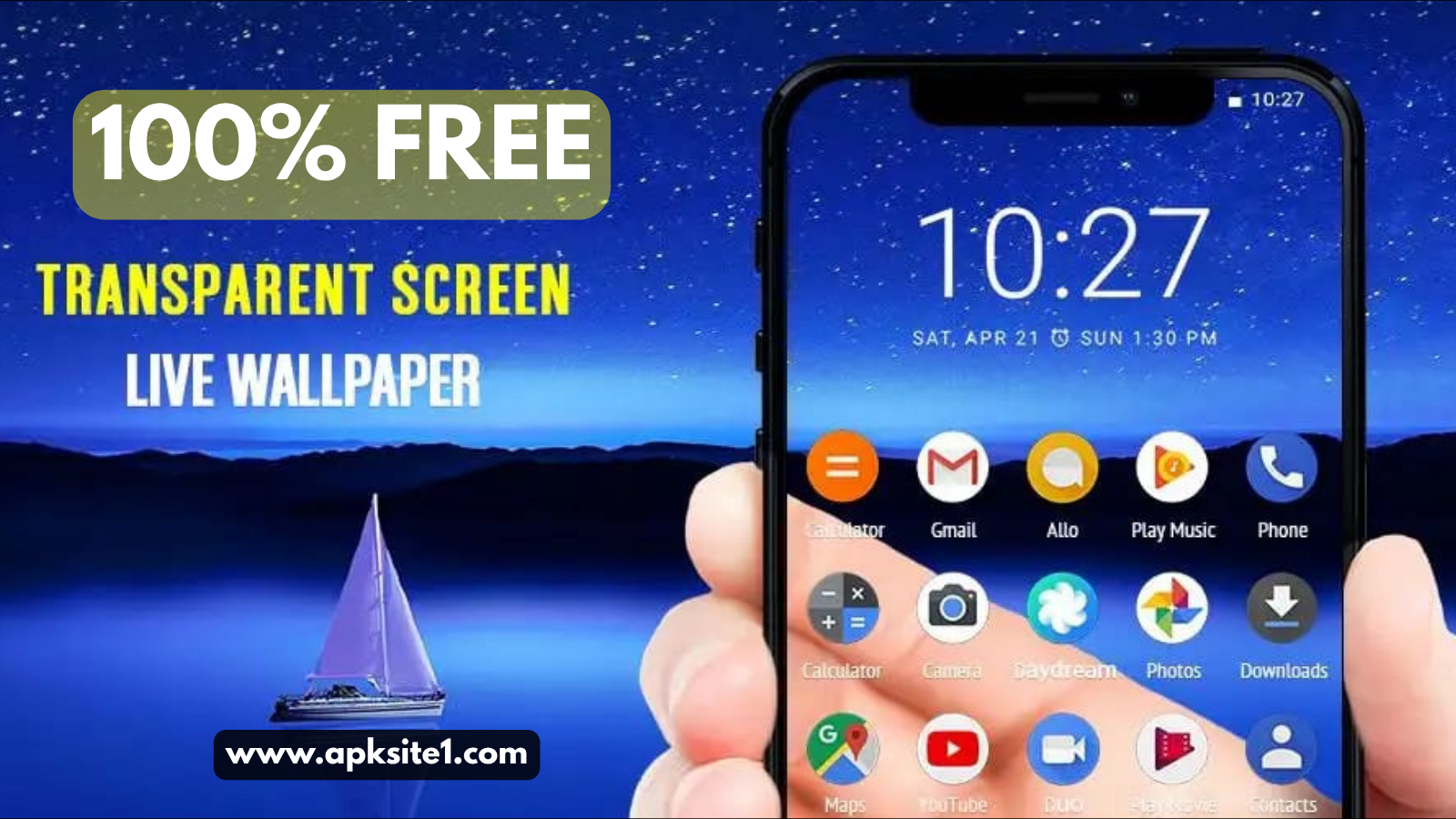
Nothing physical changes on your phone. Your display is still the same glass and pixels it’s always been. What changes is your wallpaper.
Certain apps use your rear camera to stream a live video feed and set that feed as your home screen background. Since the feed updates in real time as you move the phone, your brain reads it as “I can see through this thing.” It’s a clever bit of visual trickery, not a hardware upgrade.
I want to be upfront about that because a few comments I saw online genuinely believed transparent phones were already for sale to regular people. They’re not, at least not yet. Companies have shown off transparent display prototypes at tech expos, but nothing like that is sitting on a shelf at your local carrier store.
Why I Actually Tried This
I run a small tech corner on my blog where I test out mobile tricks people ask me about, and this one kept coming up in messages after I covered Android lock screen customization a while back. So I figured I’d test it properly instead of just describing it secondhand.
The Apps I Actually Used (and What Went Wrong)
I tested four different live wallpaper apps over about two weeks. Here’s the honest rundown.
First attempt: A generic “Camera Live Wallpaper” app from the Play Store. It worked, but the video feed was choppy and laggy, like watching a badly buffered stream. Not the smooth glass look I wanted.
Second attempt: A “Ghost Screen” style app that promised a sharper transparent effect. This one actually looked fantastic for about twenty minutes, then my phone started heating up in my pocket. I checked battery usage afterward and the app had eaten almost 30% in under an hour. That’s when I learned the hard way that these apps are camera-intensive by nature.
Third attempt, the one that stuck: A live wallpaper app with an actual “transparent” or “see-through” mode built specifically for this effect, rather than a generic live camera wallpaper repurposed for it. It had a toggle to lower the frame rate slightly, which helped battery life a lot without ruining the illusion.
The lesson here: don’t just grab the first free app you see. Look specifically for one that advertises a dedicated transparent or glass screen mode, and check if it has a battery-saving or frame-rate option.
Step-by-Step: Getting a Transparent Phone Screen on Android
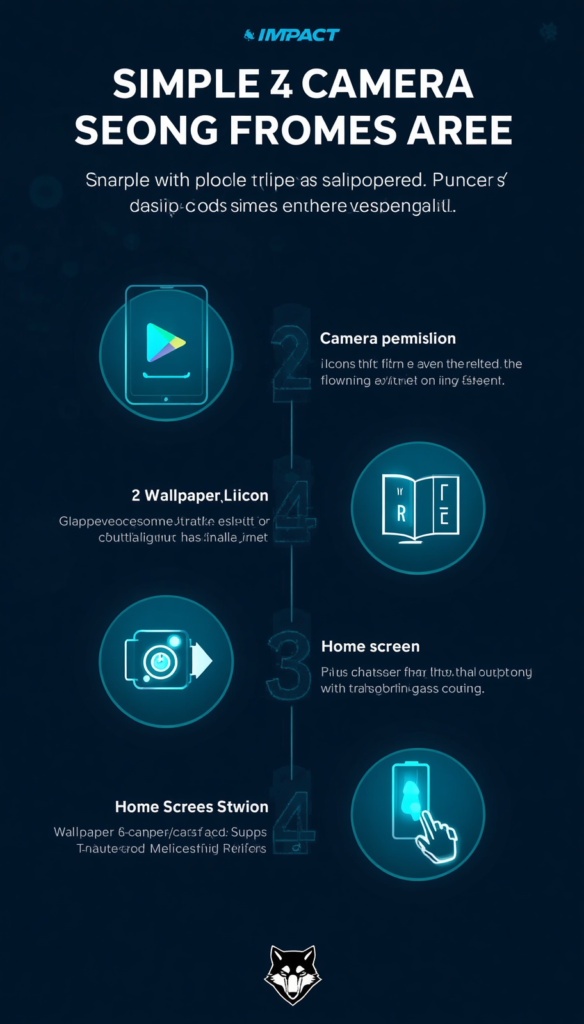
Here’s exactly what I did, in order:
- Open the Play Store and search for a transparent live wallpaper app with recent reviews (not just high ratings, actually read a few from the last month).
- Install it and open it.
- Grant camera permission when it asks. Without this, the whole effect simply won’t work.
- Look for a “Set as wallpaper” or “Apply” button inside the app itself, don’t just try to set it from your regular wallpaper settings menu.
- Choose your home screen, lock screen, or both, depending on what the app allows.
- Head back to your home screen and check the effect.
- If it looks choppy, go back into the app settings and look for a frame rate or performance slider, and turn it down a notch.
The whole thing took me under 10 minutes once I found the right app.
What About iPhone?
I’ll be straight with you here, since I tried this on an older iPhone too: it’s noticeably more limited. Apple doesn’t allow apps the same level of access to set a fully live, camera-fed wallpaper the way Android does. What you’ll find instead are apps that create a similar illusion using looping video wallpapers rather than a true live camera feed, or ones that only show the effect while the app itself is open.
If you’re on iPhone, temper your expectations. It’s a neat party trick within the app, but it won’t replace your actual home screen wallpaper the same way it does on Android.
Real Mistakes I Made (So You Don’t Have To)
- I left the wallpaper running overnight once, which was pointless since my phone was face-down on a nightstand the whole time, just quietly burning battery for nothing.
- I didn’t check camera permissions carefully on my second app and later noticed it also had access to my microphone, which had nothing to do with a wallpaper. I uninstalled it immediately.
- I assumed a 4.5-star rating meant a good app. Some of these apps get inflated ratings, so I started actually reading the one and two-star reviews first, since those tend to reveal battery or permission issues fast.
Is It Worth the Battery Trade-Off?
Honestly, for showing off to friends or filming a short video, yes. For daily use as your permanent wallpaper, probably not. I now only turn mine on when I actually want to show someone, then switch back to a normal static wallpaper. That way I get the fun factor without babysitting my battery percentage all day.
Quick Safety Notes
Since these apps need camera access, stick to ones from the Google Play Store or Apple App Store rather than random APK download sites. Check what other permissions an app is asking for beyond the camera, and if something feels off, like a wallpaper app wanting contacts or SMS access, just uninstall it.
Common Mistakes People Make With This Trick
- Choosing the first app in search results instead of comparing a few.
- Ignoring battery drain and being surprised later.
- Expecting the exact same experience on iPhone as Android.
- Forgetting to switch back to a normal wallpaper before a long day out, then getting frustrated at 40% battery by lunchtime.
Final Thoughts
Getting a transparent phone screen effect is genuinely one of those small tricks that’s more fun than useful, and that’s fine. It’s free, it’s reversible in seconds, and it doesn’t touch your actual hardware in any way. Just go in knowing it’s a camera-based illusion, pick an app that’s built specifically for it rather than a generic live wallpaper, and keep an eye on your battery if you plan to leave it running for a while.
If you’ve tried a different app that handled the battery drain better than the ones I tested, I’d genuinely like to hear about it in the comments.
For more information, visit: APKSITE1